

Step 1
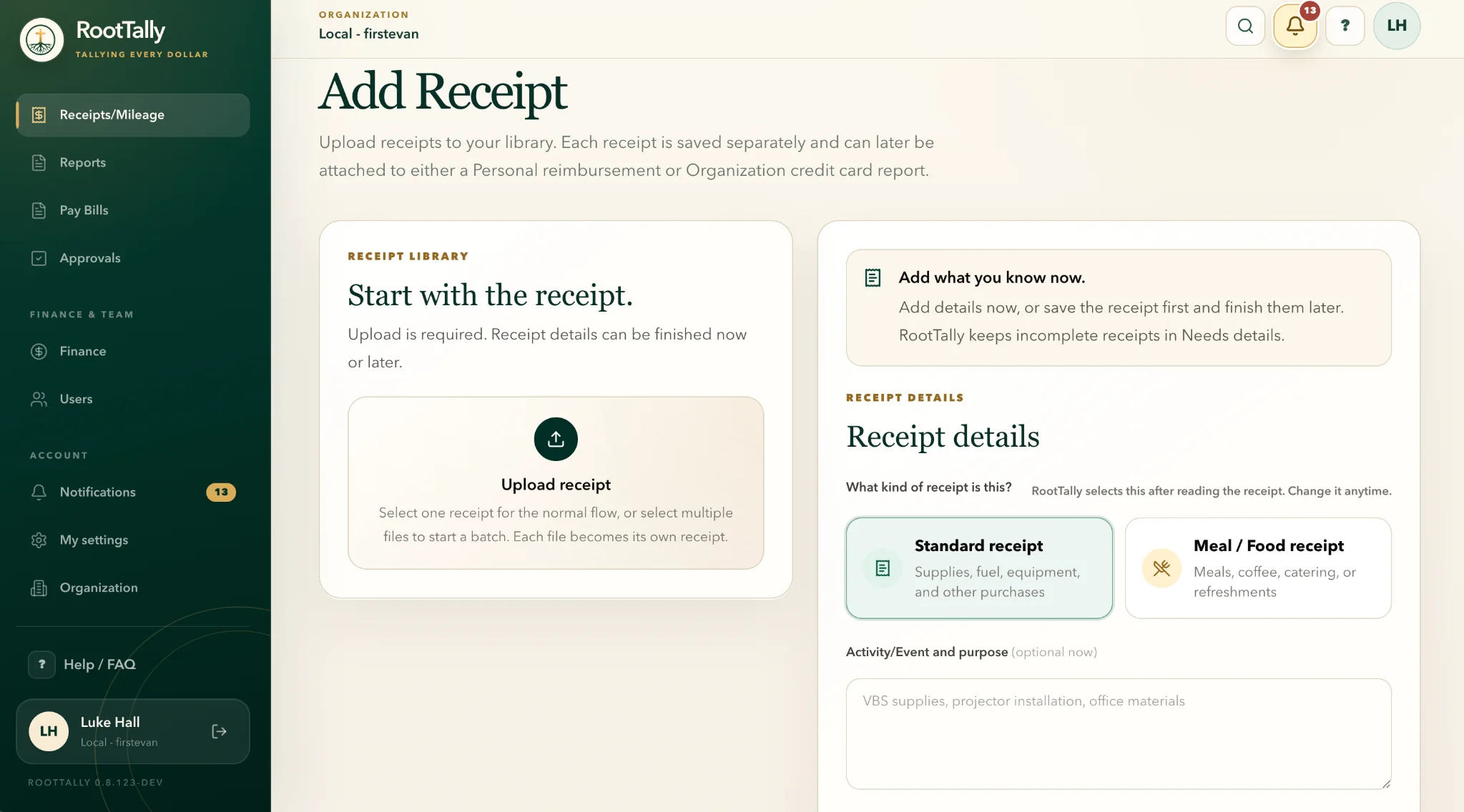
Start with the receipt
Upload one receipt or several at once from a phone or computer. Add details now or save the receipt first and finish the remaining details later.
RootTally keeps each receipt, request, approval, and Finance handoff connected, so your team always knows what is ready and what happens next.
Start your trialUpload one receipt or several at once from a phone or computer. Add details now or save the receipt first and finish the remaining details later.
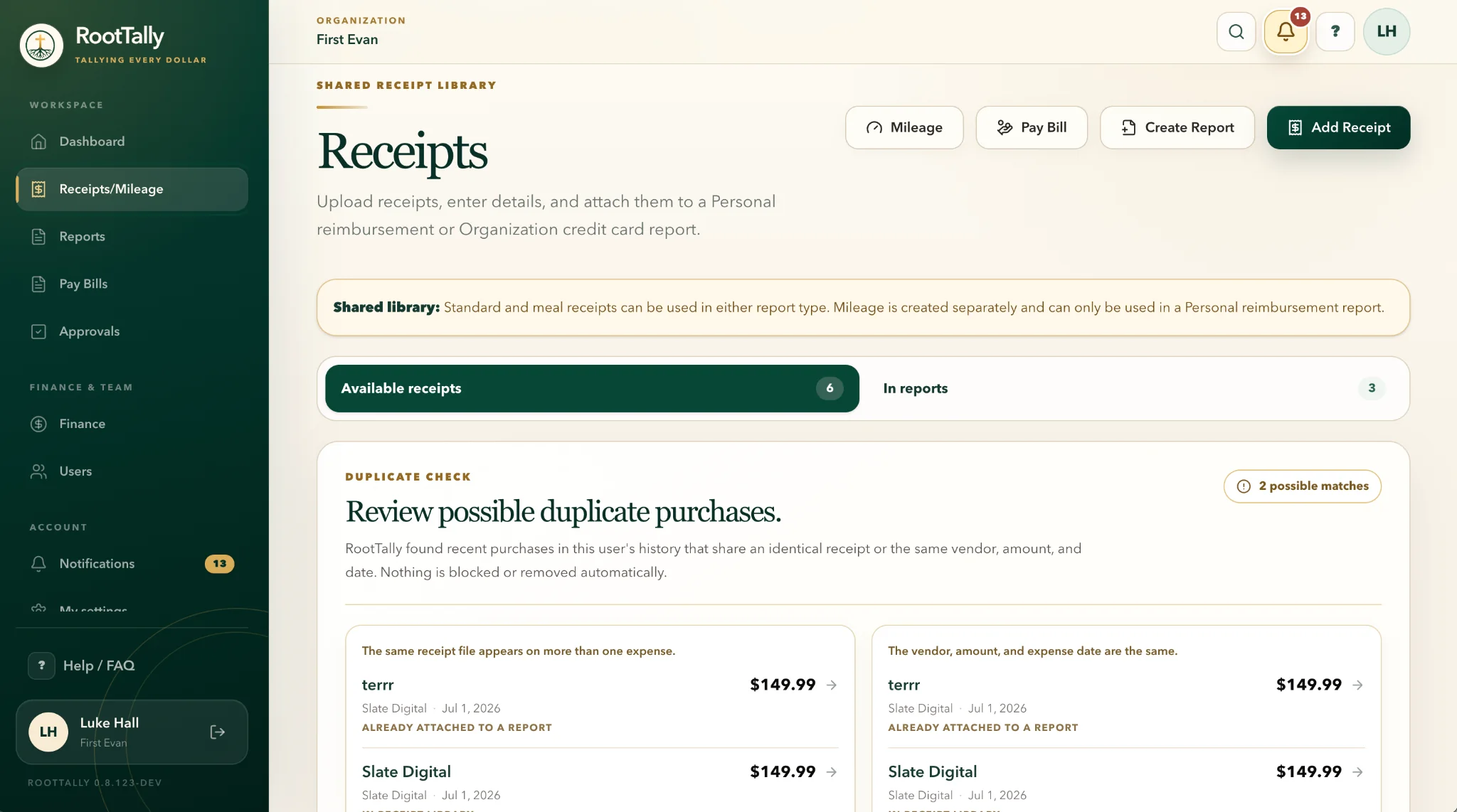
RootTally keeps the original file, purpose, payment source, and other required information together. It can also flag possible duplicates before the same purchase moves forward twice.
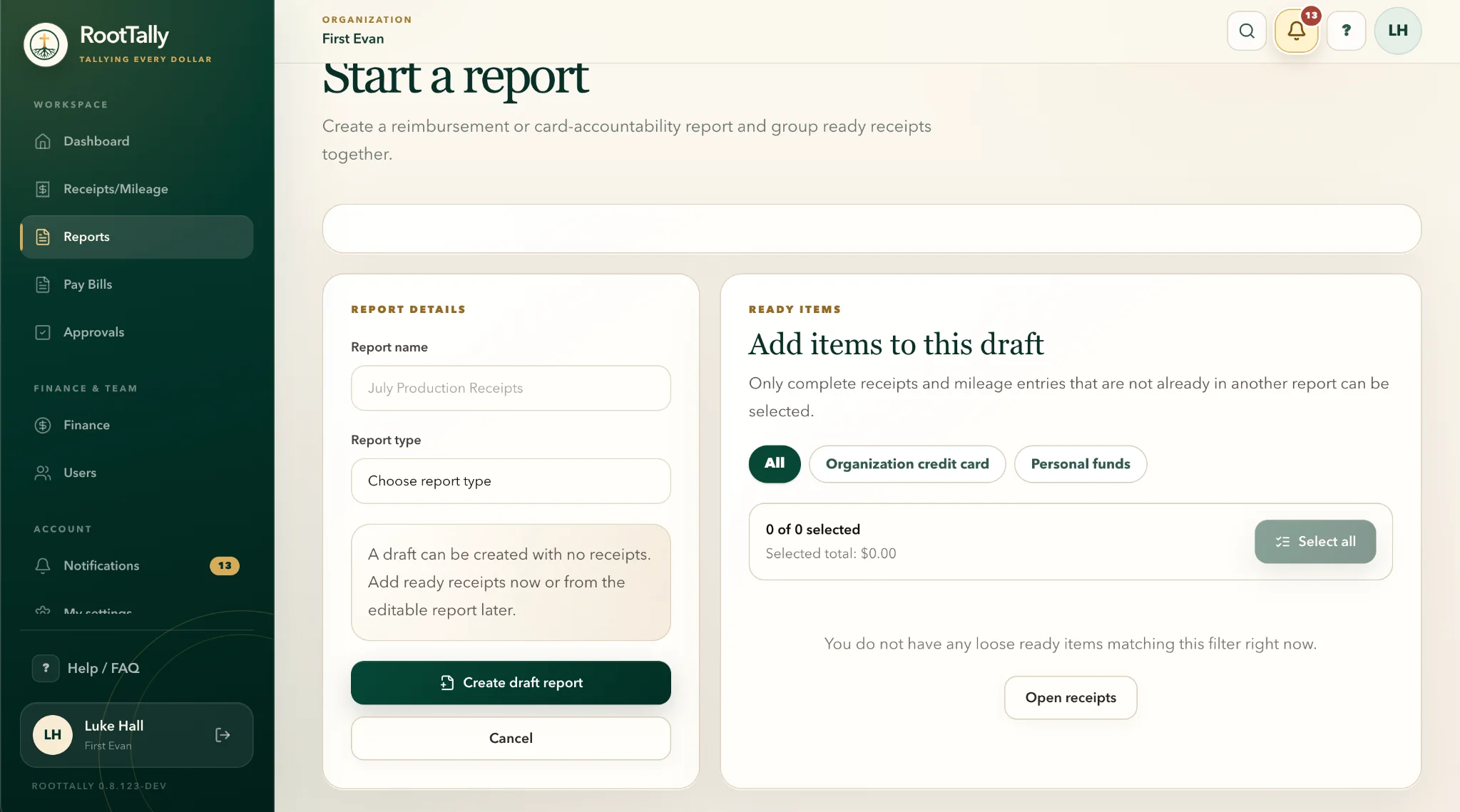
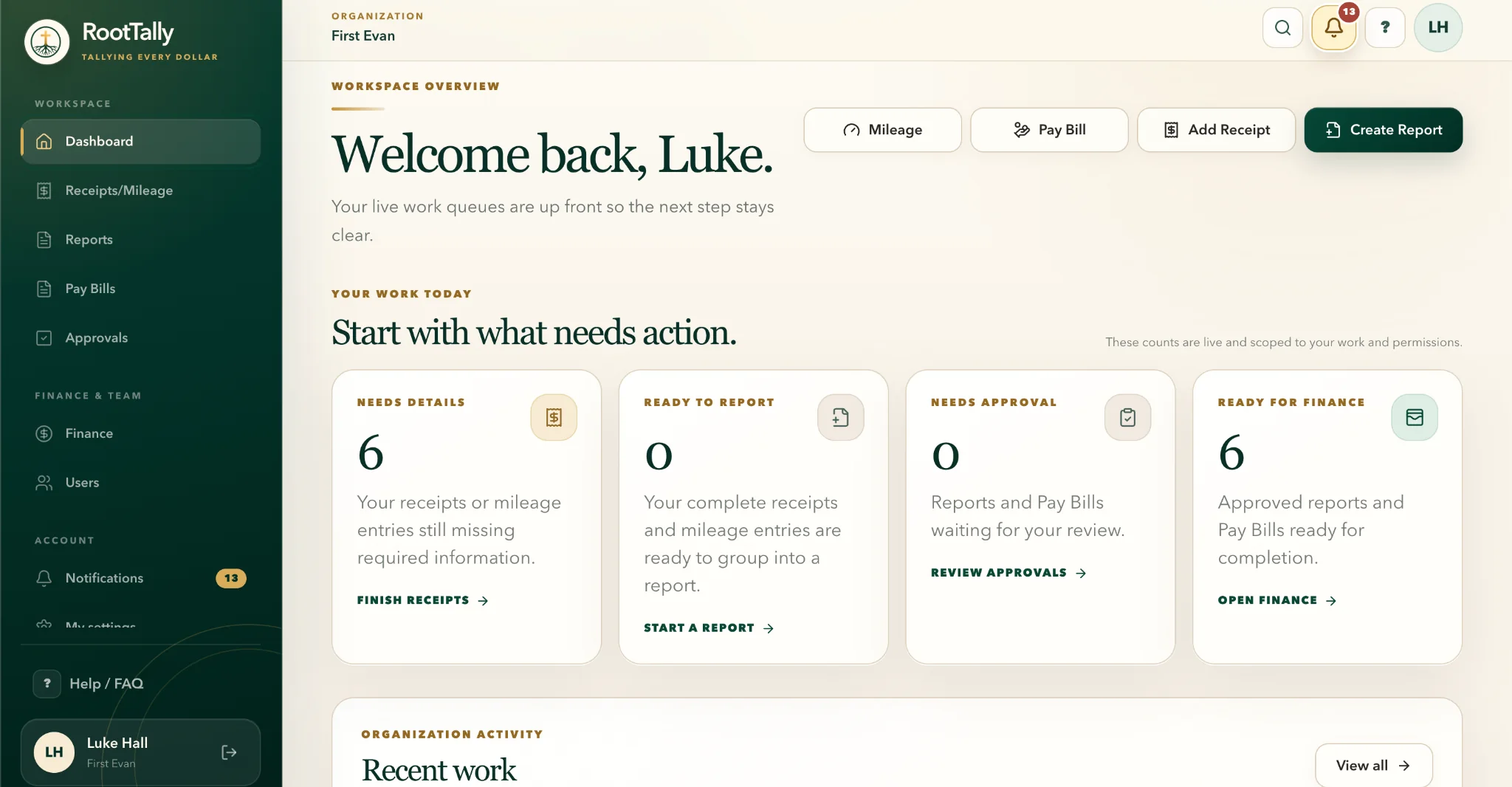
Group ready expenses into a reimbursement or organization card report, or use the Pay Bill workflow for an invoice. The information already entered stays with the request.
Route the request to the right people based on your organization’s roles and approval settings. Approvers can review the support, approve it, or return it with a clear reason.
Finance receives the request, receipts, signatures, and approval history together. Approved records can be exported, completed, downloaded, or printed for payment processing and audit files.
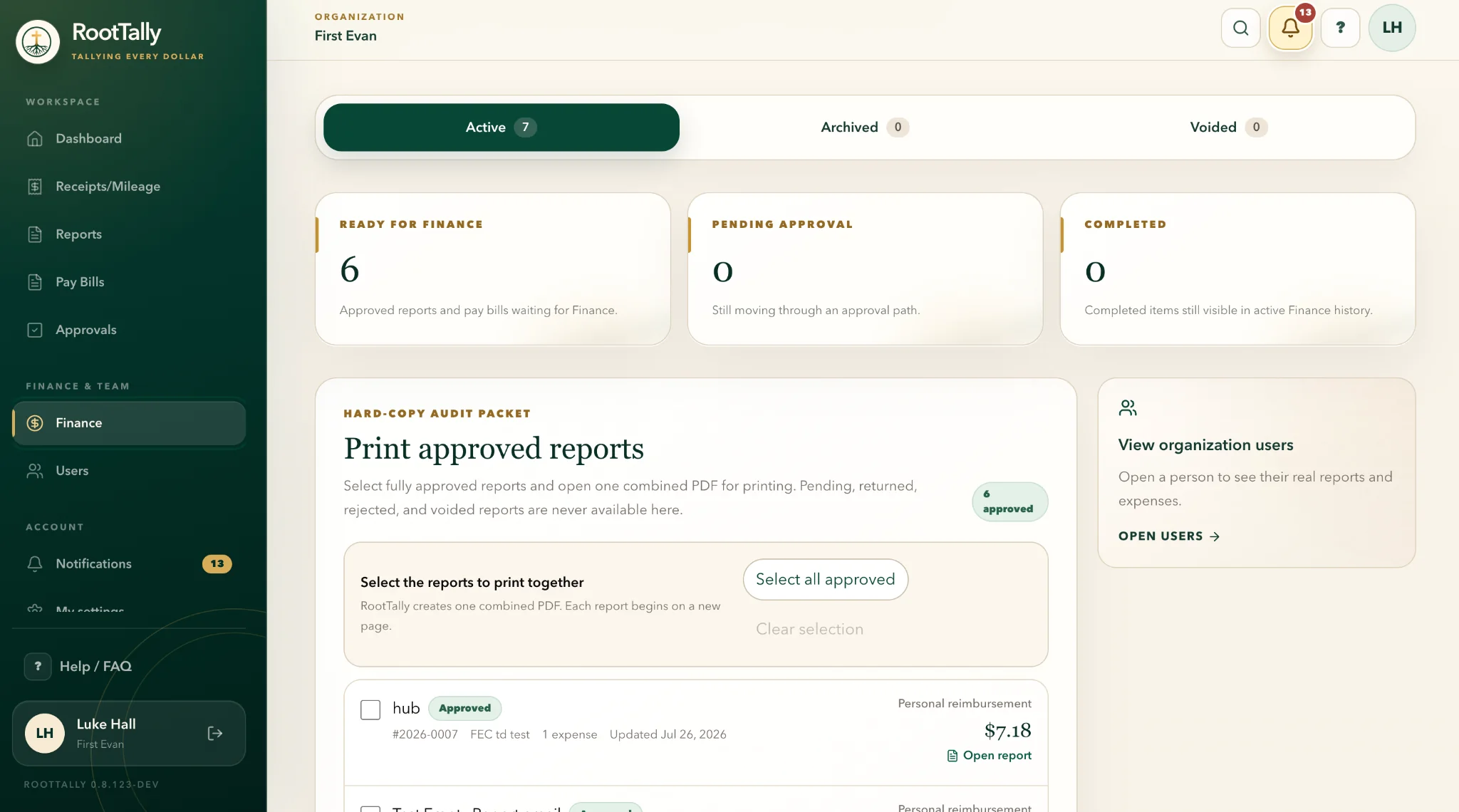
Move reimbursements and bill pay forward without paper forms, spreadsheets, or long email chains.
Start your trialLeave your name, organization, and email. We’ll notify you when RootTally officially launches.